

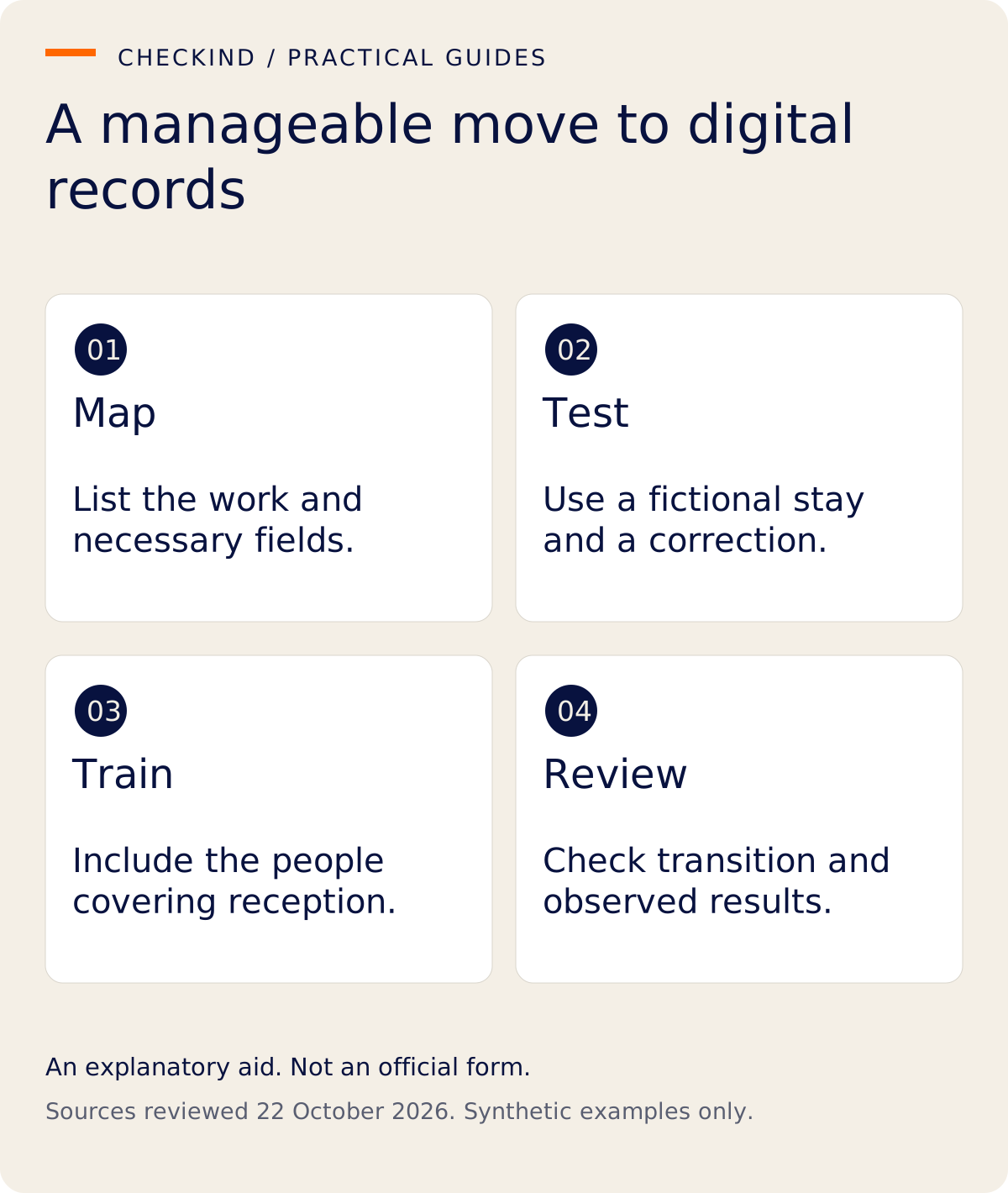
A sensible move from paper guest registers to digital records starts with the work the property needs to perform, not with copying every old notebook into a new system. Map the current process, test a fictional stay, train the people covering reception and agree how the transition will be checked.
This guide is for Indian independent hotels and homestays planning a manageable change. The phases are operational suggestions, not a fixed timetable, a legal retention instruction or a promise of measured time savings.
Phase 1: map what the register is doing
List the questions your team uses the register to answer. Who is expected? Which details have been supplied? Who reviewed an unclear entry? How does an authorized person find the correct stay later? Which records support a separate reporting process?
Identify the source of each field and whether it is actually needed. Do not copy a field solely because a notebook has always included it. Review applicable local requirements, platform rules and data responsibilities with the people authorized to make those decisions.
If you need a starting structure, inspect the existing guest-register format guide. Use it as a review aid, not a statement that one template fits every accommodation.
Phase 2: test one fictional stay
Use synthetic names and non-usable illustrative document references. Test the ordinary route and a case that needs help. Can the guest provide relevant details? Can the reviewer identify an unclear answer? Can authorized staff find the correct record without opening unrelated stays?
Include a correction. If the test shows only a perfect submission, it does not explain how reception will work when a guest needs assistance. Write down what was observed and what was not demonstrated.
Phase 3: train the covering staff
The person who chooses the software may not cover late arrivals. Train whoever will actually use the process and whoever provides authorized cover. Explain the meaning of the statuses the property uses.
A useful training exercise includes an expected stay, submitted details, a reviewer question and a confirmed actual event. These should not all be collapsed into “complete.” Make it clear that an ordinary transcription review does not prove identity or document authenticity.
Agree where staff ask for help. Do not solve uncertainty by sharing account passwords or guest documents in a general group chat.
Phase 4: define the transition boundary
Choose a clear point at which a new stay follows the new process. Decide how required records are maintained while the transition is checked, and confirm any requirement for a specific register or reporting route. Avoid an uncontrolled period in which two teams copy different versions without knowing which is authoritative.
Existing records require a separate decision. Do not delete original registers or upload an archive of real guest documents merely because a digital tool is ready. Retention, migration and deletion need their own authorization and safeguards.
Phase 5: review actual adoption
After the property has used the authorized process, review evidence rather than assume success. Ask staff where they still repeat information, where guests need help and whether a record can be found through the intended route.
If you measure completion time or corrections, define the method and separate test exercises from customer stays. A small set of observations can suggest a process change, but it is not automatically proof of a guaranteed saving or improvement.
A simple acceptance worksheet
| Area | Question to answer before expanding |
|---|---|
| Guest route | Can an intended guest complete it or get appropriate assistance? |
| Review | Can the covering reviewer clarify and correct information? |
| Access | Can the right person find the record through authorized access? |
| Exceptions | Is the next action clear when a detail is missing? |
| Reporting | Are applicable official tasks handled separately? |
| Data | Are retention, document handling and existing-record decisions understood? |
“Not demonstrated” is a valid result. It helps identify the next check without creating a false claim that the rollout is finished.
Keep software selection separate from the rollout
A comparison can help choose a tool; adoption asks whether the property can use the chosen process. The existing Excel versus registration software article covers the comparison. This rollout guide focuses on training, transition and evidence.
CheckInd's production-evidenced scope includes digital registration, document capture and organized records for review. Expanded Form III preparation remains in development, and government reporting is separate. A digital register is not automatically a PMS, booking engine or official submission service.
Questions owners ask
Do we need to digitize every historical register first?
Not as an assumption of this rollout plan. Review historical-record handling separately and do not delete records without authority.
Should every staff member have identical access?
Decide access according to responsibilities and verified controls. A shared convenience login is not a substitute for an authorized process.
Will digital registration guarantee faster check-in?
No measured speed or business result is promised. Test the workflow, assistance and review steps at your property.
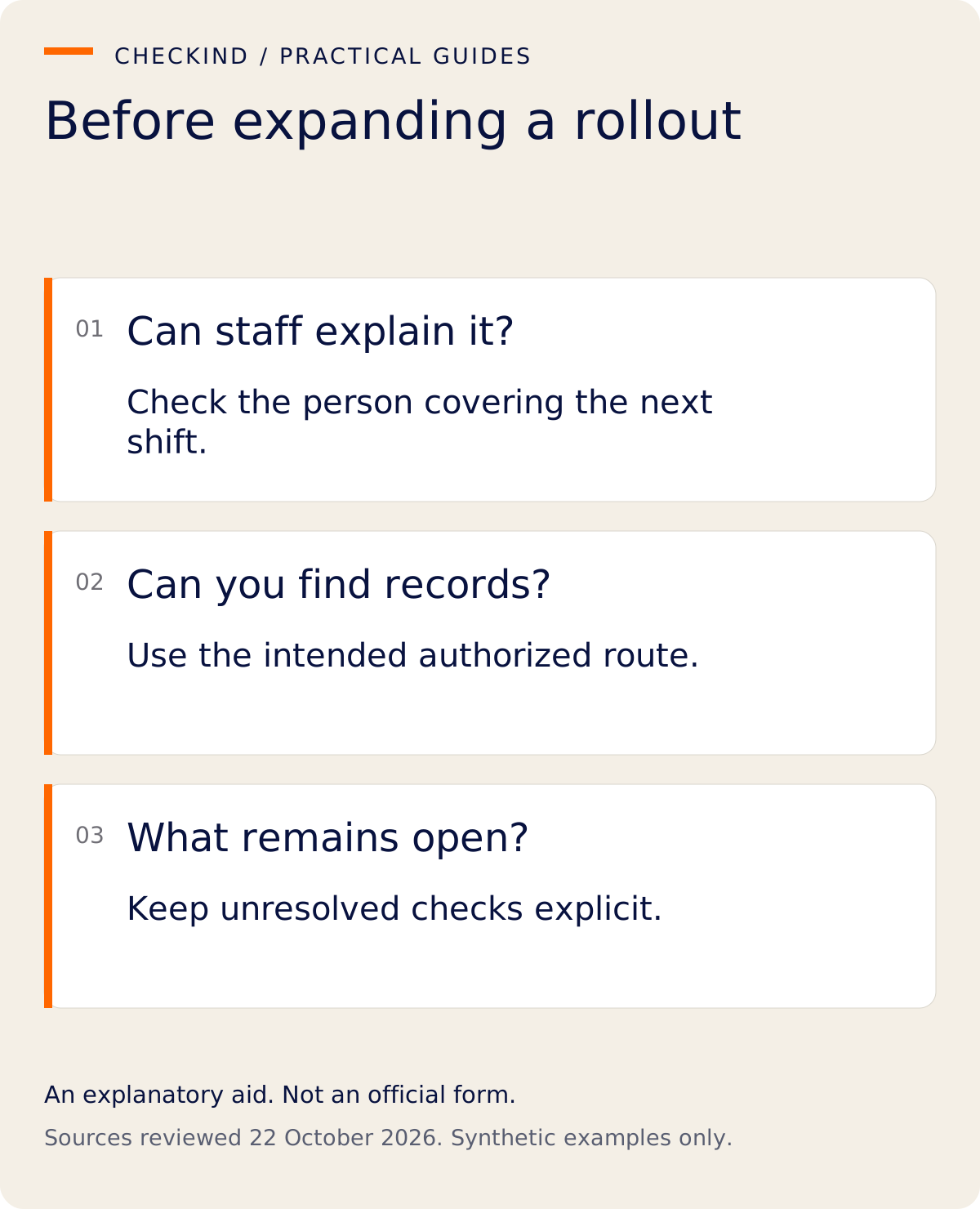
Begin with one fictional stay and a short list of acceptance questions. Expand only after the people covering reception can explain what is complete, what remains open and where to get help.
Operational suggestions and synthetic examples. They do not establish government approval, feature availability or legal compliance.
- CheckInd current Form III product boundary — Digital registration is available; expanded Form III preparation remains in development.
- Immigration and Foreigners Rules, 2025; G.S.R. 596(E), 1 September 2025 — Rule 17(1), (5), (6), Form III schedule